Guard duty & patrol checkpoints
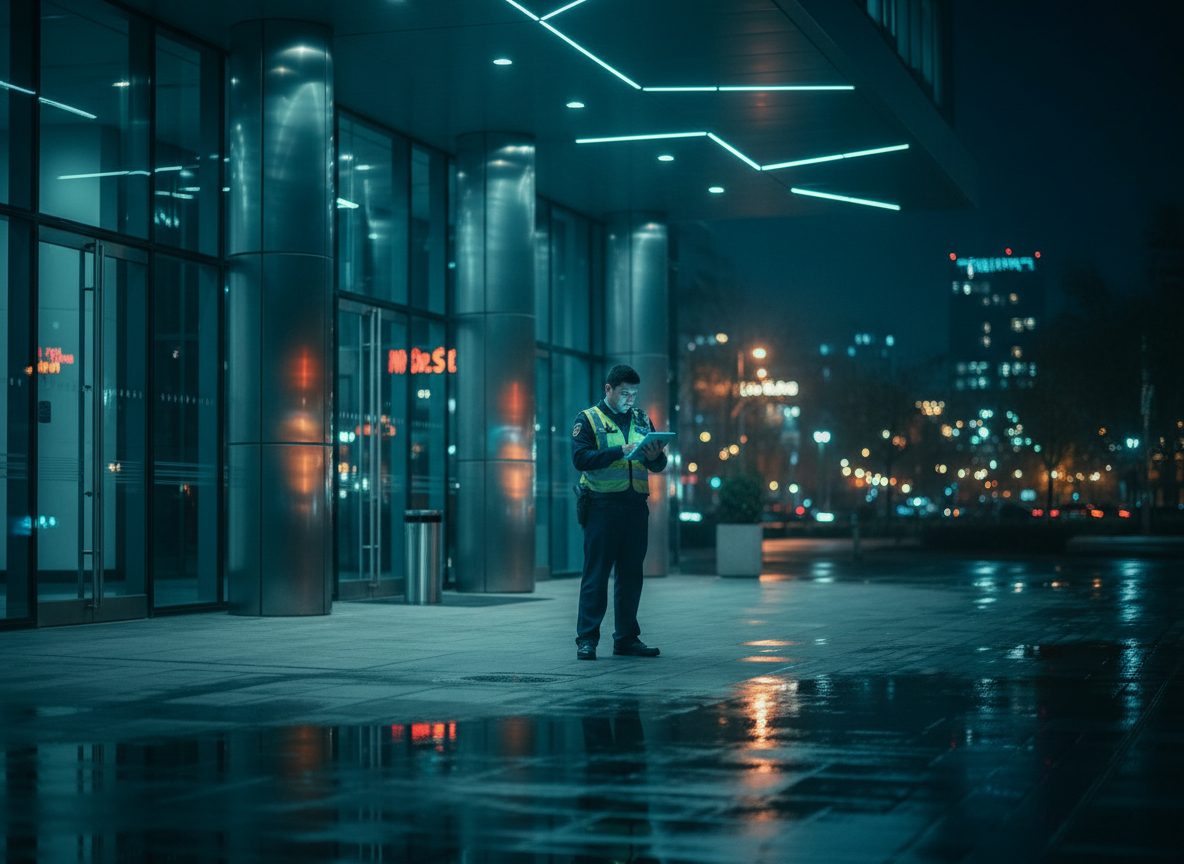
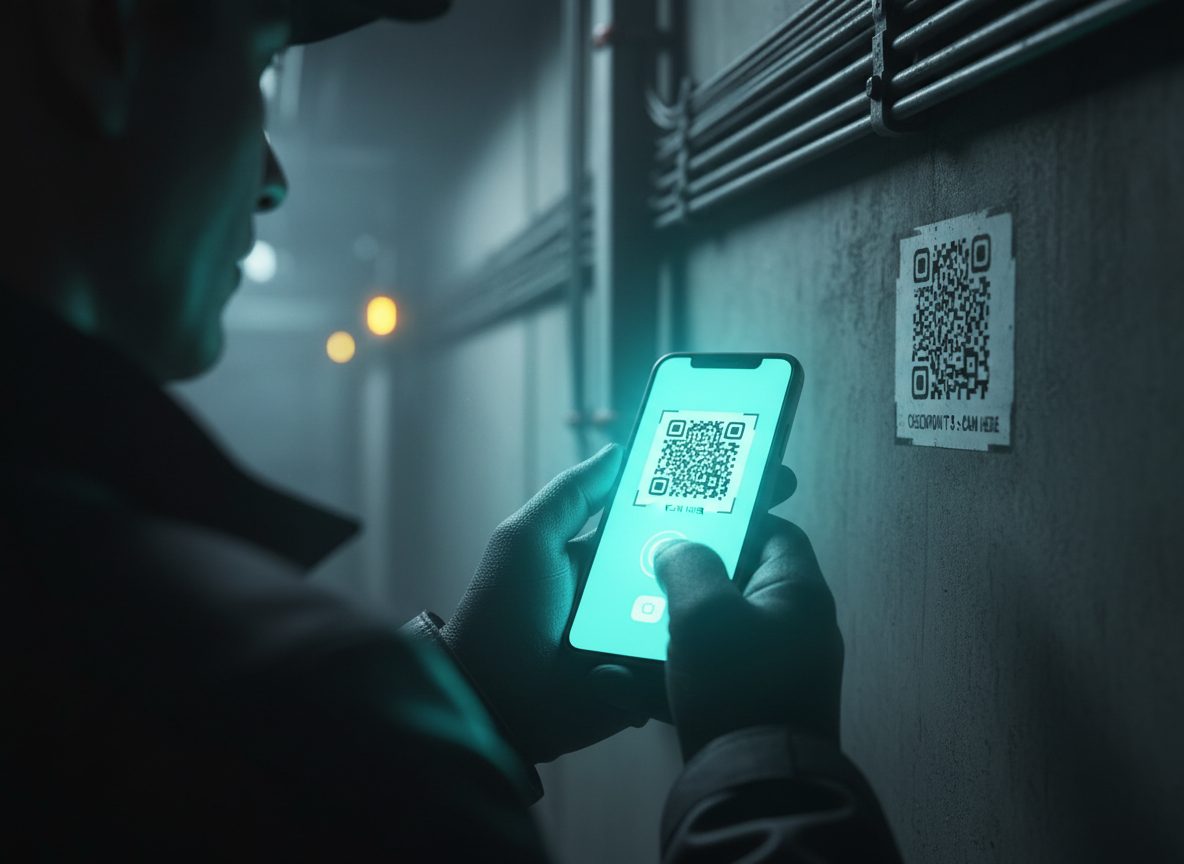
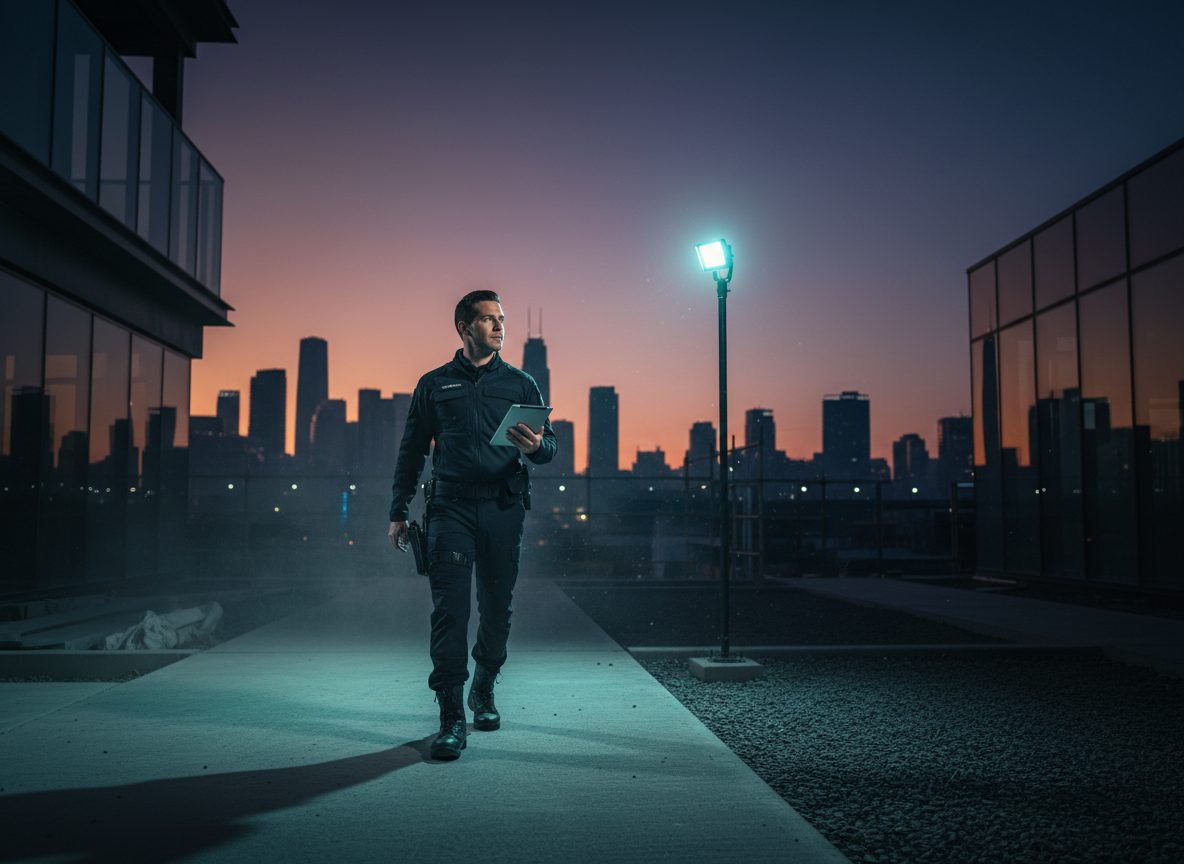
Guards check in at patrol checkpoints using QR code scans, GPS location confirmation, or manual check-in — whichever method fits the site. Missed checkpoints are tracked automatically, so supervisors can see which rounds were completed and which were not without walking the site themselves. Agencies can require a photo at every checkpoint check-in as proof of presence — a per-agency setting your admin can turn on or off, with check-ins blocked until a photo is attached whenever it's required.
On-duty time & hours tracking
Every time a guard goes on or off duty is logged automatically — no timesheets, no manual punch cards. Admins get a real hours-worked report per guard over any date range, built for payroll: total hours, a full session history per guard, and clear handling of shifts still in progress.
Incident reporting
Guards log incidents on the spot — suspicious person or vehicle, security breach, fire or smoke, medical emergency, property damage, or other — right from the field, with photos and GPS location attached automatically. Critical incidents like fire/smoke and medical emergencies automatically escalate to an alert, so the right people are notified immediately instead of finding out after the fact.
Evidence photo capture
Guards can capture a timestamped, geotagged photo on the spot — independent of any specific incident or checkpoint — to document anything noteworthy during a shift. Evidence photos can be linked to an incident later if they turn out to matter, so nothing has to be force-fit into a report in the moment.
Visitor & vehicle logs
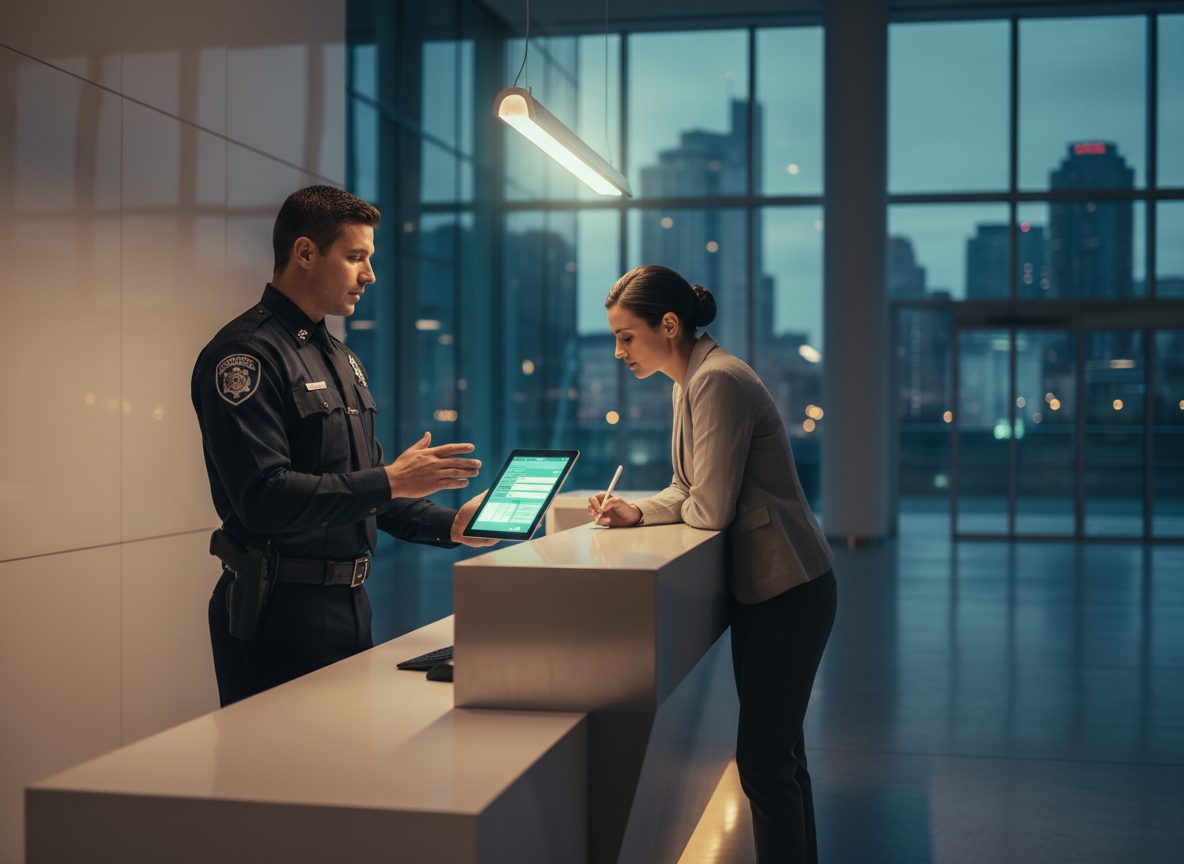
Front-desk and gate activity gets logged in real time: visitor name and host, vehicle plate and model, time in and time out. Filter and search by date, so a client or auditor can answer "who was on site, and when" without digging through a paper sign-in sheet.
Works without signal
Checkpoint check-ins, incident reports, and evidence photos still save when a guard loses connectivity underground, in a basement, or anywhere coverage drops — and sync automatically the moment the connection comes back. Nothing gets lost because a site has a dead zone.
SOS panic button & welfare check-ins
Every guard has an always-visible SOS button — no confirmation screen, no menu to dig through. It fires with your current location if available, and with no location rather than waiting if it isn't. Trigger it offline and it queues and sends the instant you're back in signal, with a clear "queued, will send" state so you always know where it stands. On sites that need it, a scheduled "I'm OK" check-in keeps a lone worker from going silent without anyone noticing.
Active SOS alerts & lone-worker monitoring
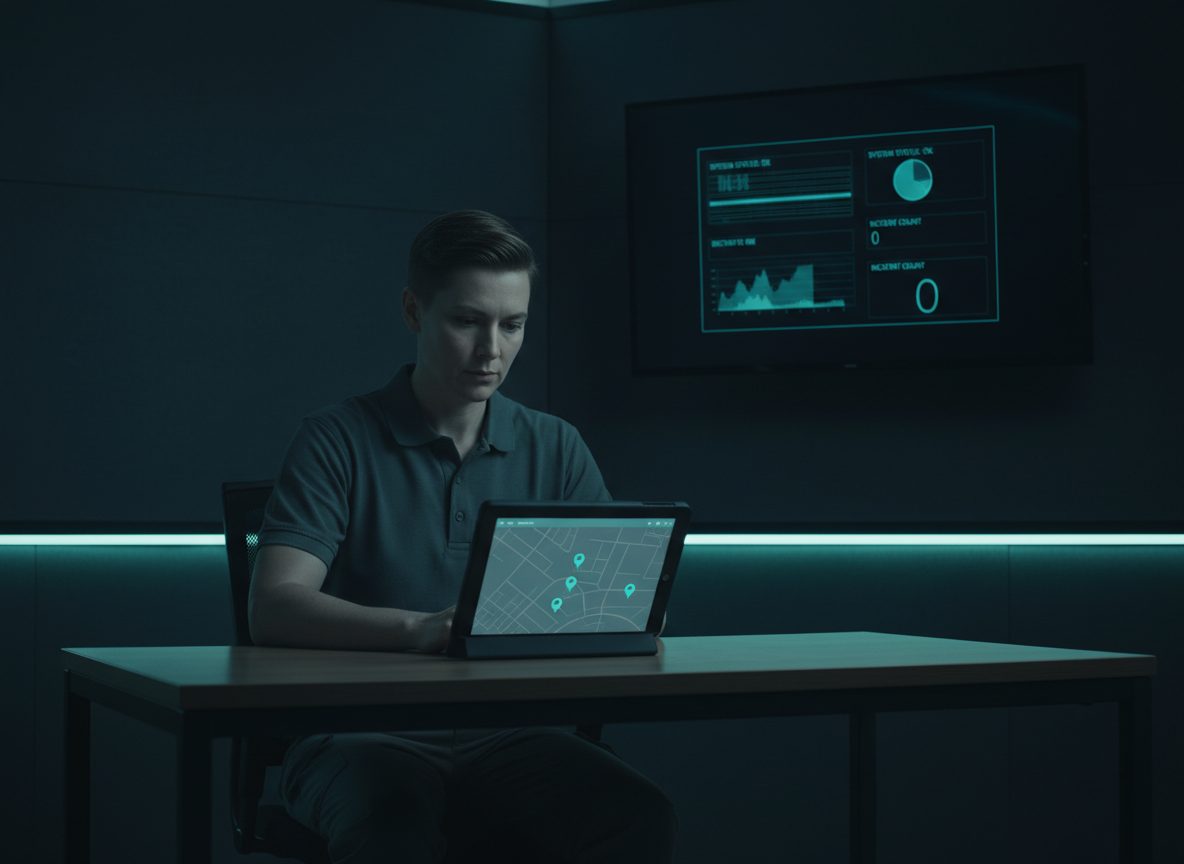
An open SOS reaches every admin immediately and stays pinned to the dashboard — guard, site, time, and last known location — until someone acknowledges it and marks it resolved. If a guard on a check-in-enabled site misses their scheduled "I'm OK" tap, admins get an automatic alert after a grace period, so a quiet radio doesn't go unnoticed until a client calls asking why.
Live map & real-time monitoring
See every checkpoint at a site plotted on a live map, color-coded by status, alongside each guard's current position. Supervisors get a real-time picture of coverage across a site without needing a guard to radio in.
Shift scheduling & attendance
Build and manage shift schedules across every site, and track attendance status in real time — scheduled, present, late, or absent. Late and missed shifts surface as alerts automatically, so scheduling gaps get caught before they become a client problem.
Admin dashboard & analytics
A real-time overview of your operation: who's on duty, who's late or absent, site status at a glance, and a live feed of recent events — filterable by client, site, and date. Everything your team needs to spot a problem before a client calls about it.
Push notifications
Guards and supervisors get push notifications the moment something needs attention — critical incidents, missed checkpoints, late shifts, an open SOS, a missed welfare check-in — delivered straight to the device, so nothing sits unnoticed in an inbox.
Client portal & reporting
Give clients their own portal to see activity at their sites: checkpoint completion, incidents, visitor and vehicle logs, all rolled up into daily, weekly, or monthly reports. Reports export as a client-facing PDF or as raw CSV data, so your team can hand clients exactly the format they expect.
Built for multi-client agencies
One agency, many clients, many sites — and guards who can float across all of them. Your admin dashboard rolls everything up by client and site, while each client only ever sees their own sites and data. No separate setup needed per client; it's the same platform, scoped correctly from day one.
Staff & site management
Manage your full guard roster from one place — add guards, assign them across sites and clients, and keep profiles up to date. Define patrol routes and checkpoints per site, and generate printable QR codes for every checkpoint in a few clicks.
Per-agency white-label branding
Apply your own agency's logo, colors, and app title across the guard app and client portal. Your brand shows up everywhere your guards and clients interact with the platform — not ours.
Mobile apps built for the field
A dedicated guard app puts checkpoints, incident reporting, schedules, and visitor logs in your guards' pockets. The admin dashboard and client portal install right to a phone or desktop home screen like a native app — no app store required, no separate install process for clients.
Ready to get your operations off paper?
Set up your agency's workspace and start running shifts today.
Start your free trial